Space for the soul.
Pray. Fast. Note.
Crossia is a prayer and fasting companion with a simple timer, daily rhythm, calendar, and analytics —
plus a private encrypted journal (notes + audio).
No servers. No accounts.
Everything stays on your device.



Simple. Modern. Quietly powerful.
Built to feel like your UI: soft glass cards, warm gold accents, and a calm night sky. Crossia helps you pray, fast, reflect, and protect your privacy — without noise.
Prayer & fasting timer + intentions
Start a prayer or fasting session, keep a list of intentions, and stay focused without distractions.
Prayer & fasting rhythm, calendar & analytics
Track your daily prayer and fasting rhythm, see monthly progress, and keep a gentle streak.
Encrypted journal (notes + audio)
Write and record privately. Everything is stored locally and encrypted on your device (including intentions, voice reflections, and password-protected backups).
Screens that feel like home.
A calm flow: Home → Prayer & Fasting Timer → Rhythm → Journal → Breathe → Security.
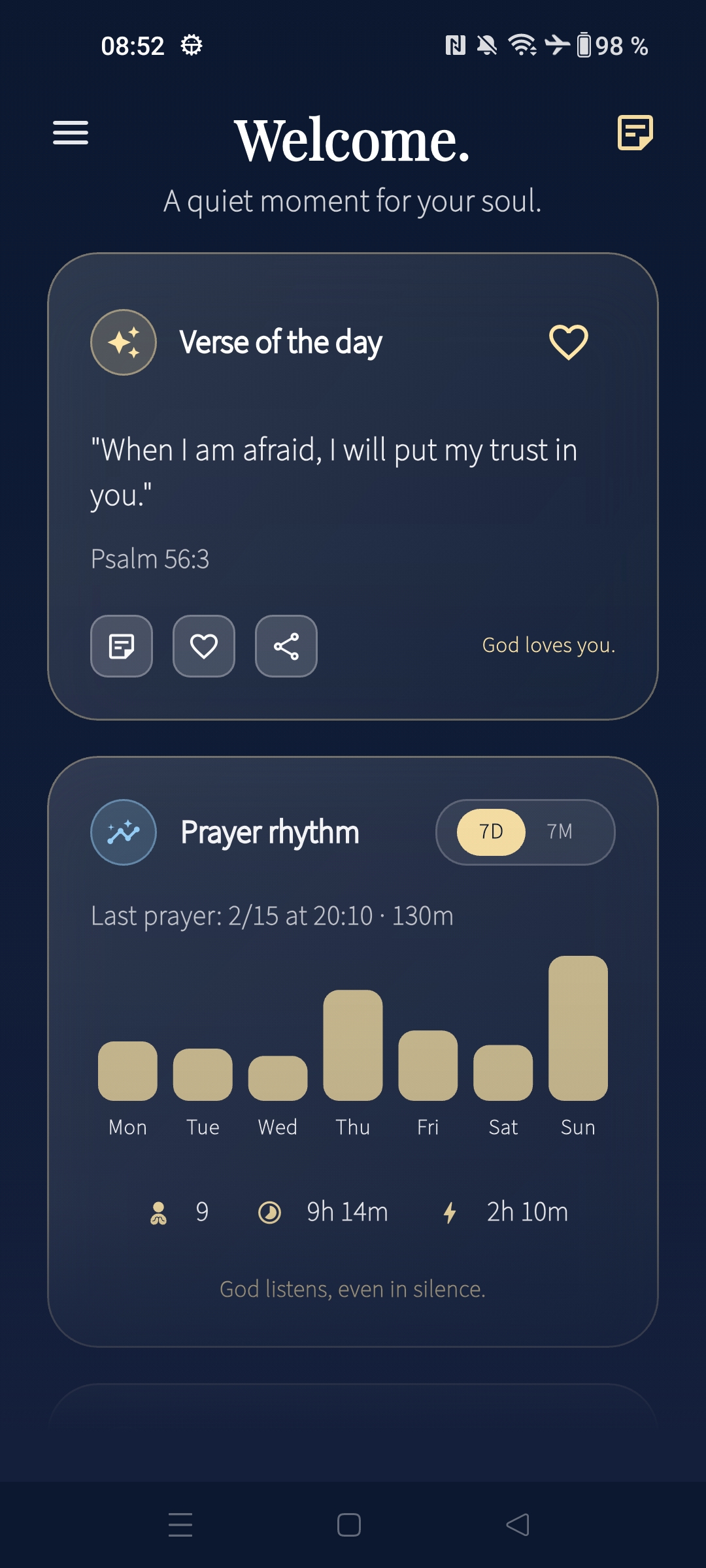
Home + daily rhythm
Your quiet entry point: verse of the day, prayer and fasting rhythm overview, and gentle encouragement.
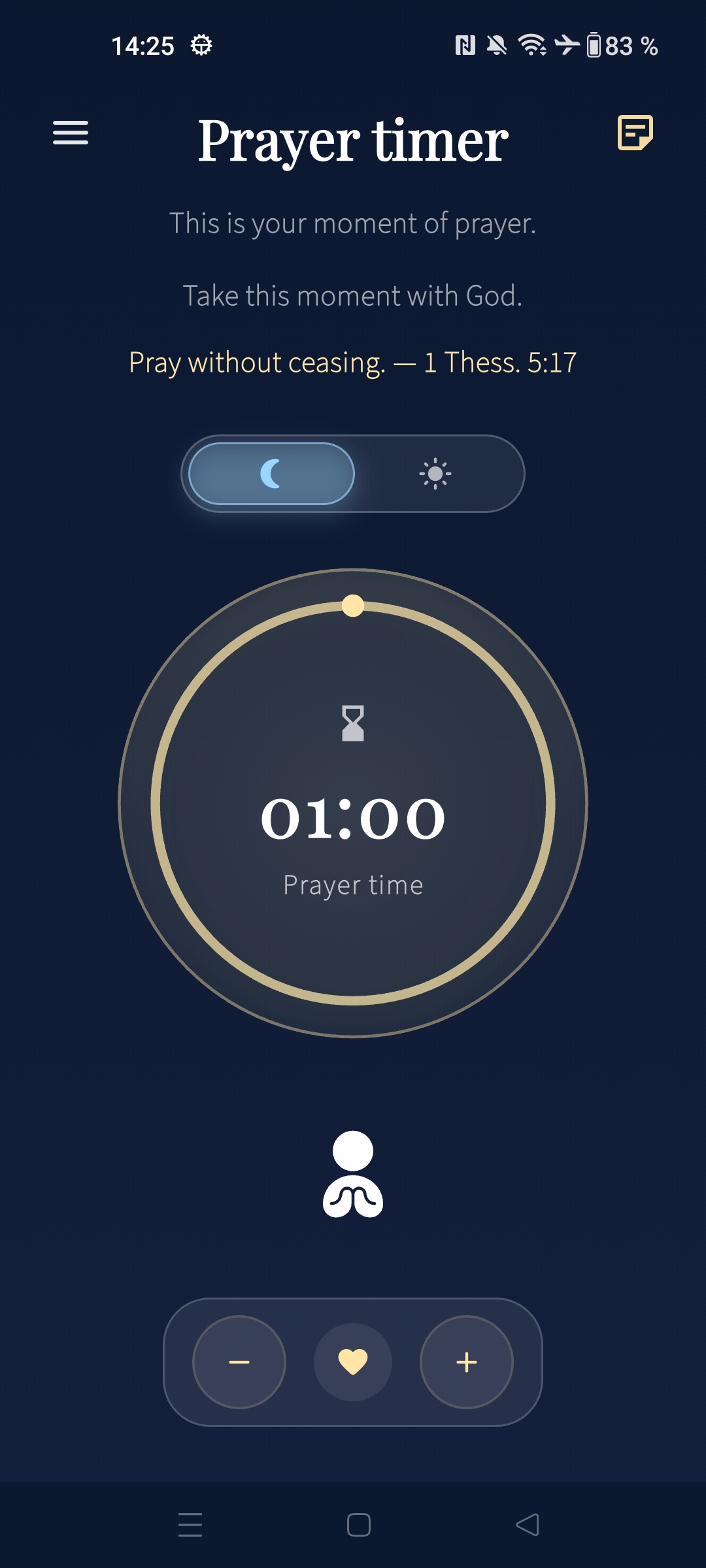
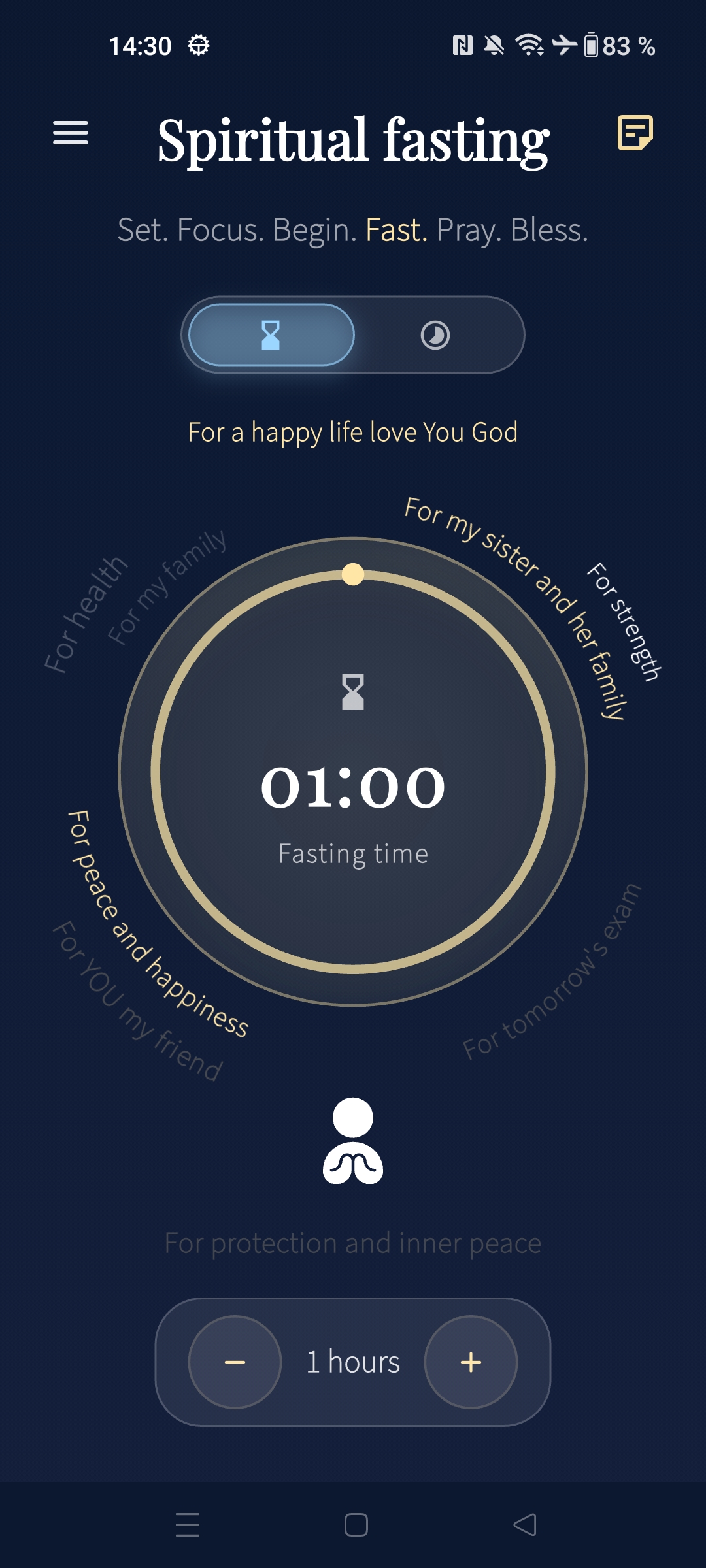
Prayer & fasting timer + intentions
Pray or fast with a clean timer. Add your intentions so you remember what’s on your heart.
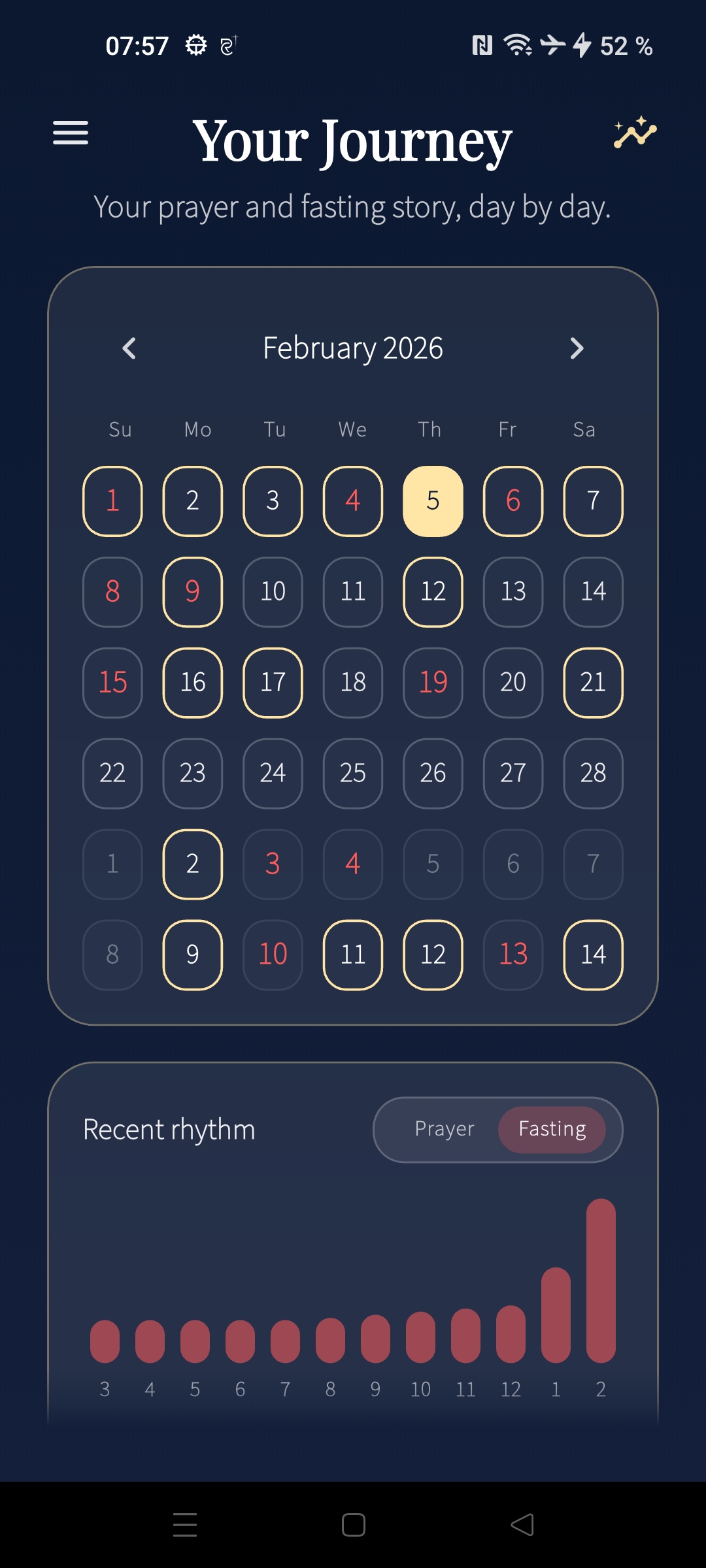
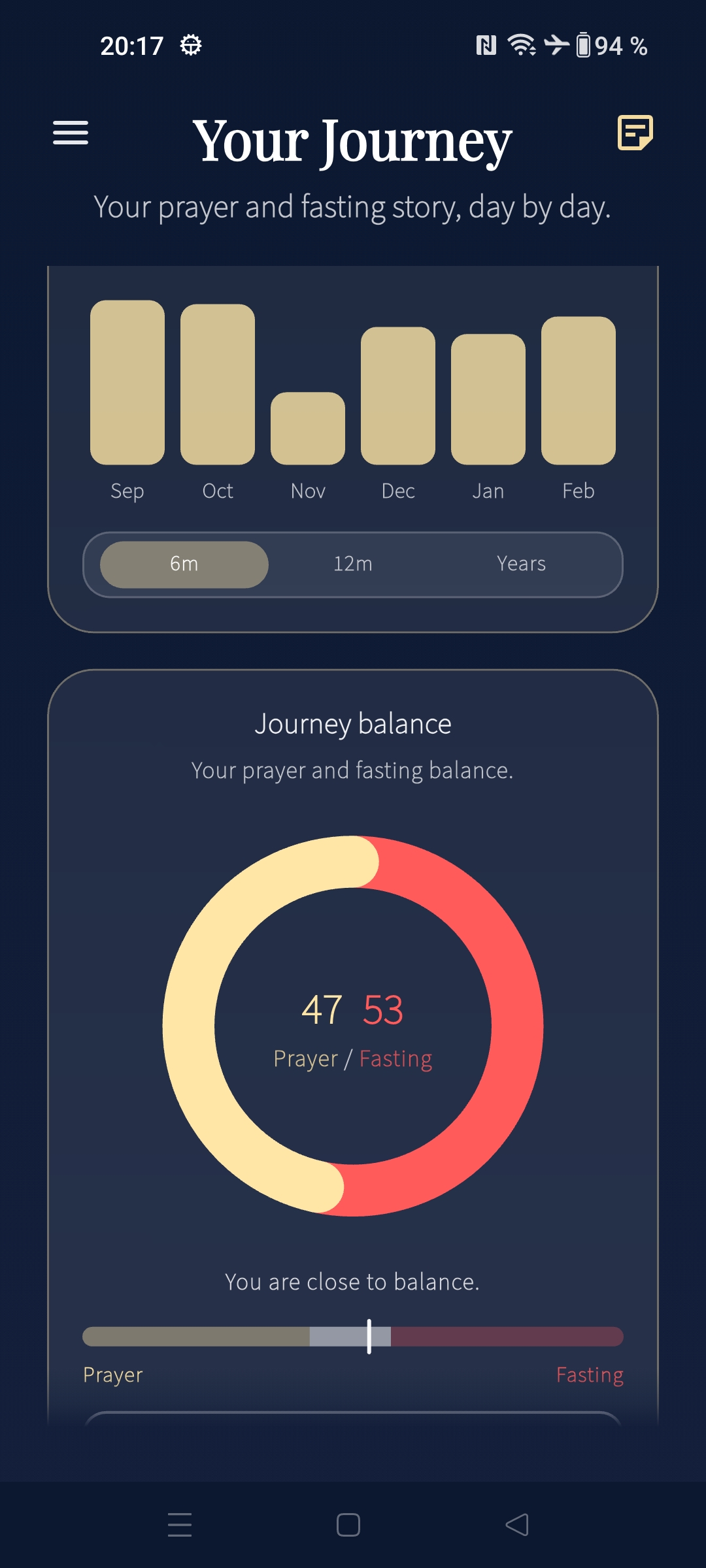
Prayer & fasting rhythm analytics
See your prayer and fasting story day by day — and zoom out to months/years for meaningful trends.
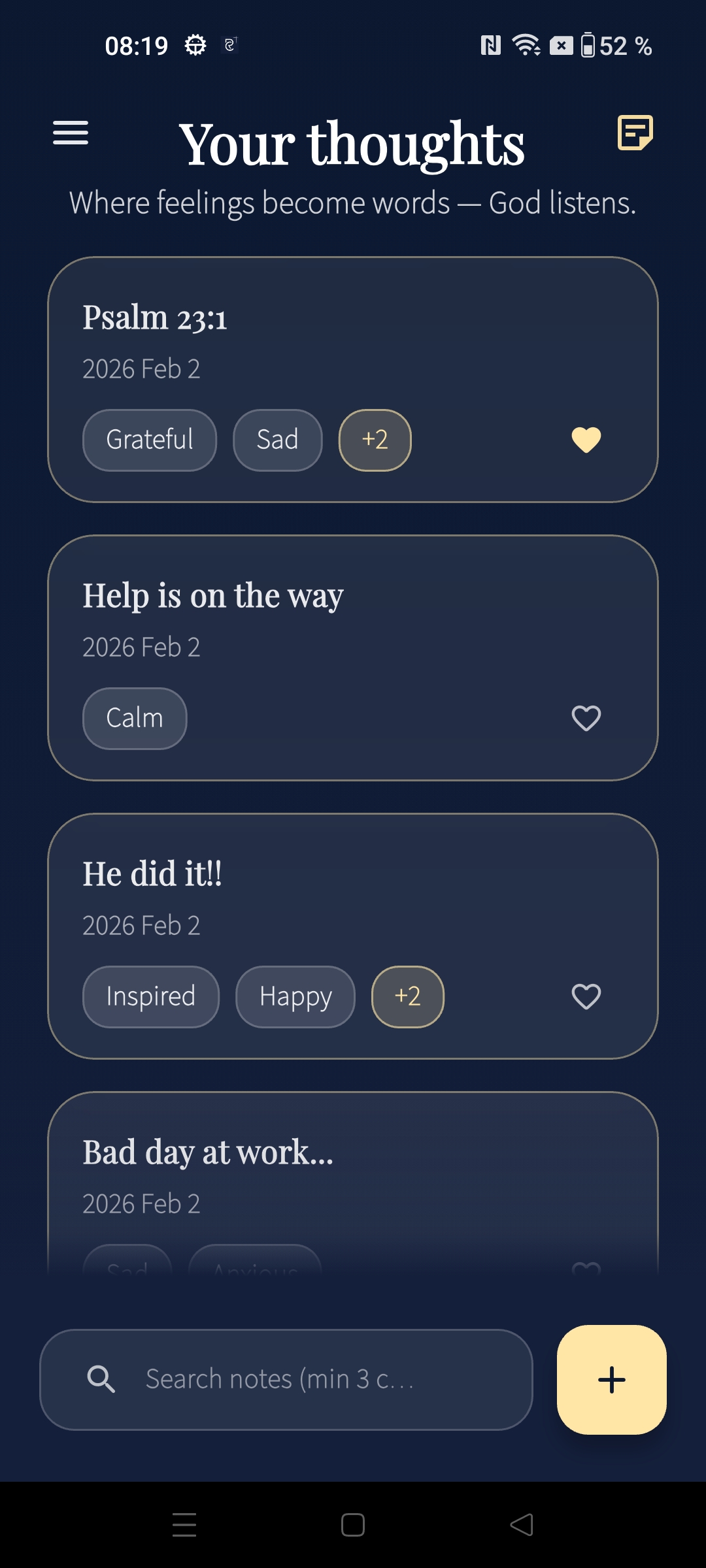
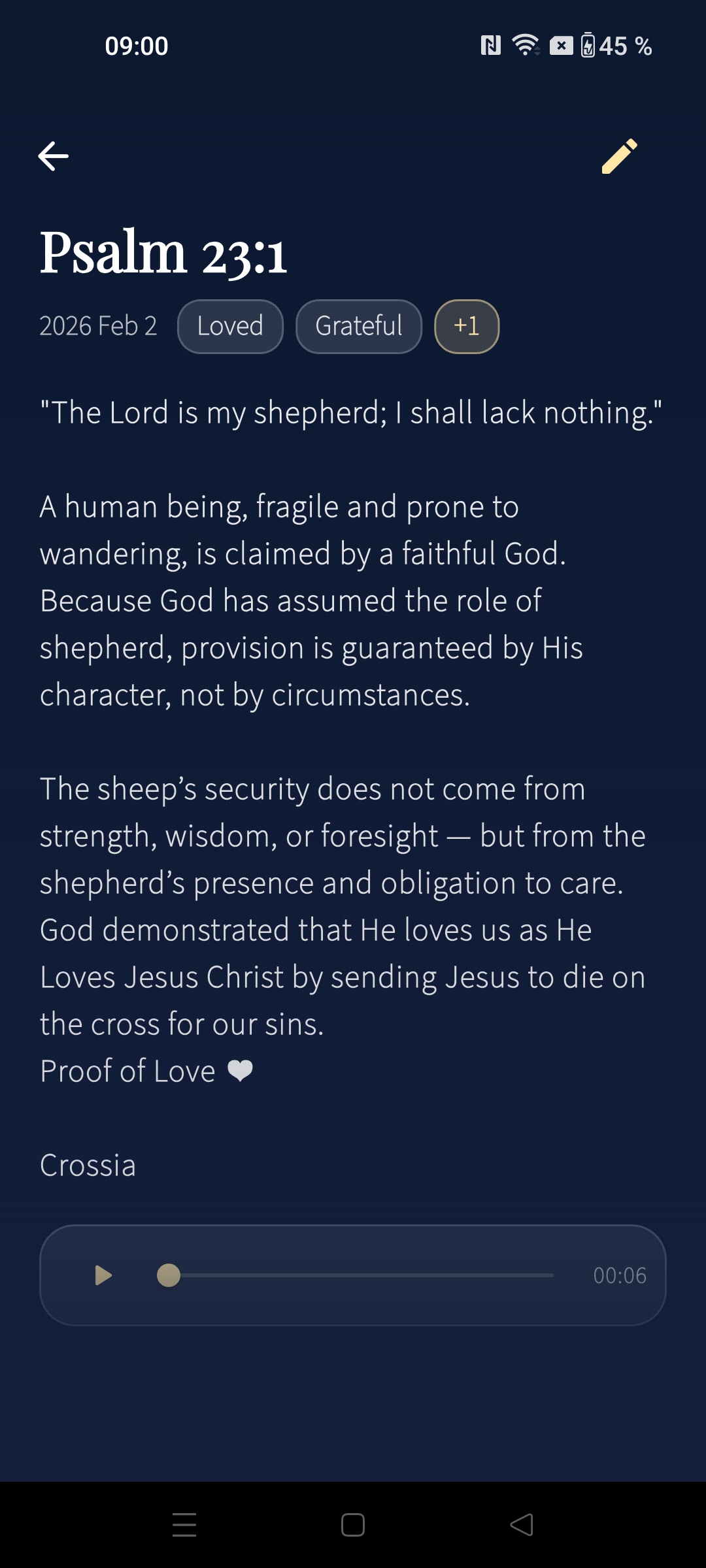
Your thoughts (private journal)
Where feelings become words. Save reflections, tags, and view/edit notes anytime.
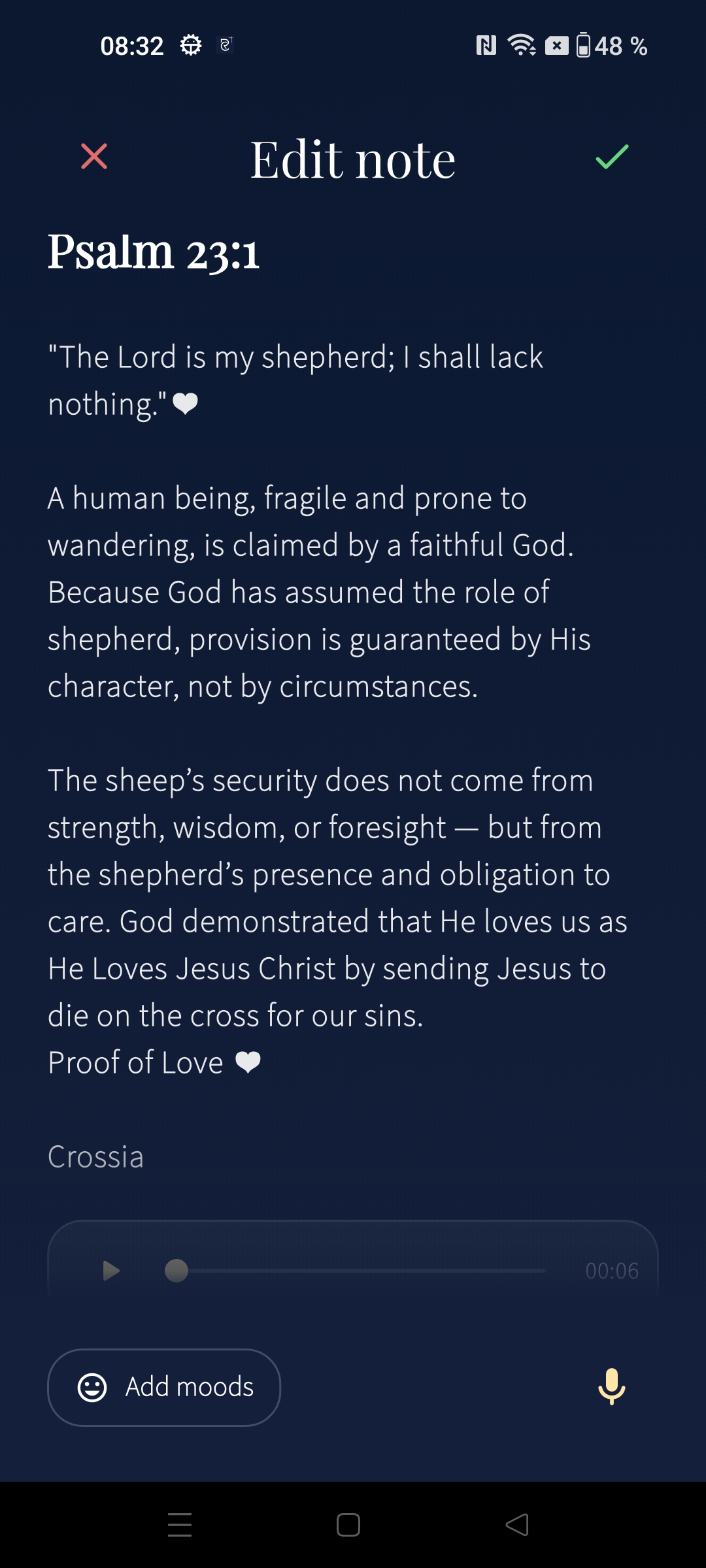
Edit note + audio journal
Write long-form and attach audio — still private, still local, still encrypted.
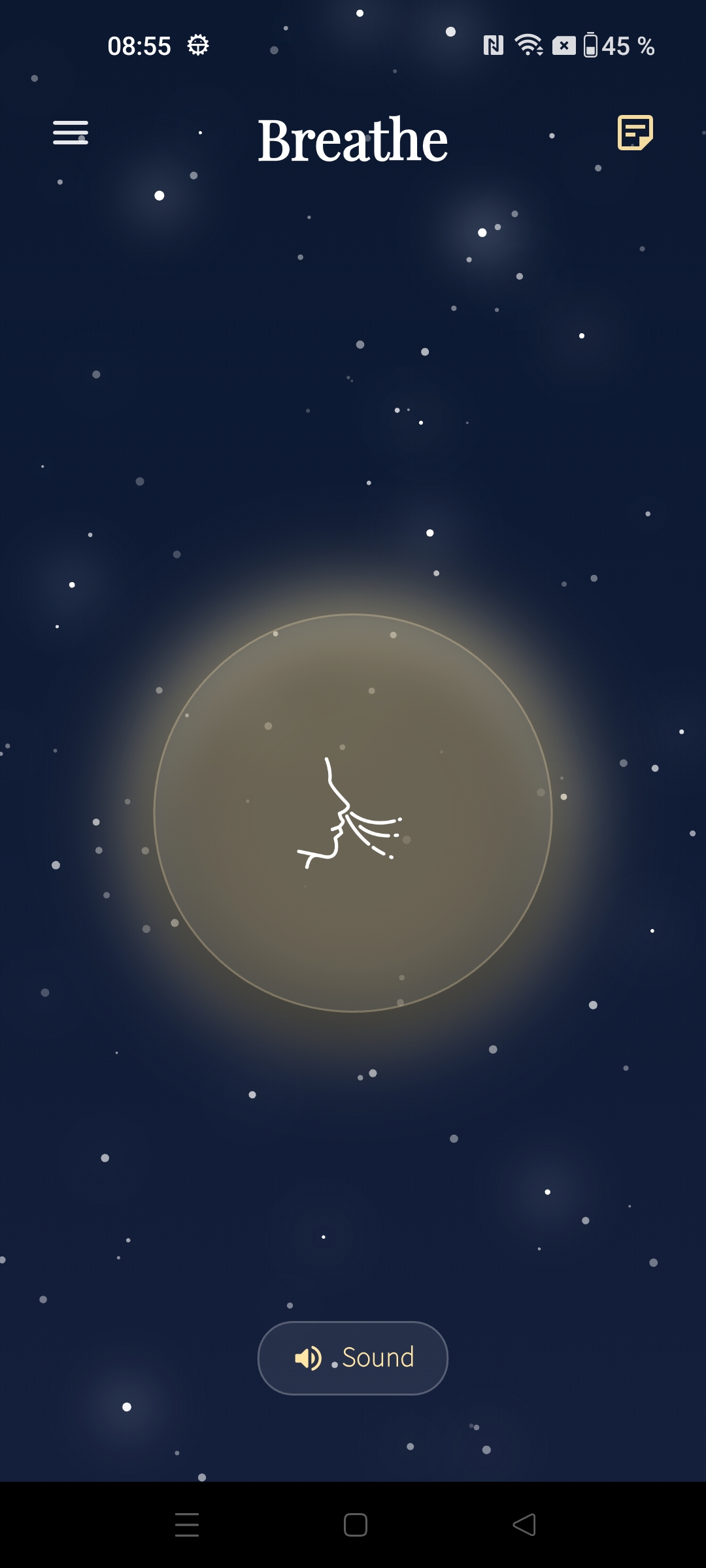
Breathe (relax space)
A simple calm screen to breathe, reset, and keep your mind steady.
Privacy & security by design.
Crossia is built for trust: no servers, no tracking, no accounts. Your data is yours.
Your thoughts — protected
Local-first. Everything runs on your device. Encrypted journal. Notes + audio are encrypted (including intentions, voice reflections, and password-protected backups).
App lock. Optional PIN + biometrics.
Encrypted backup. Keep a secure copy you control.
This is exactly why Crossia can stay calm — and safe.
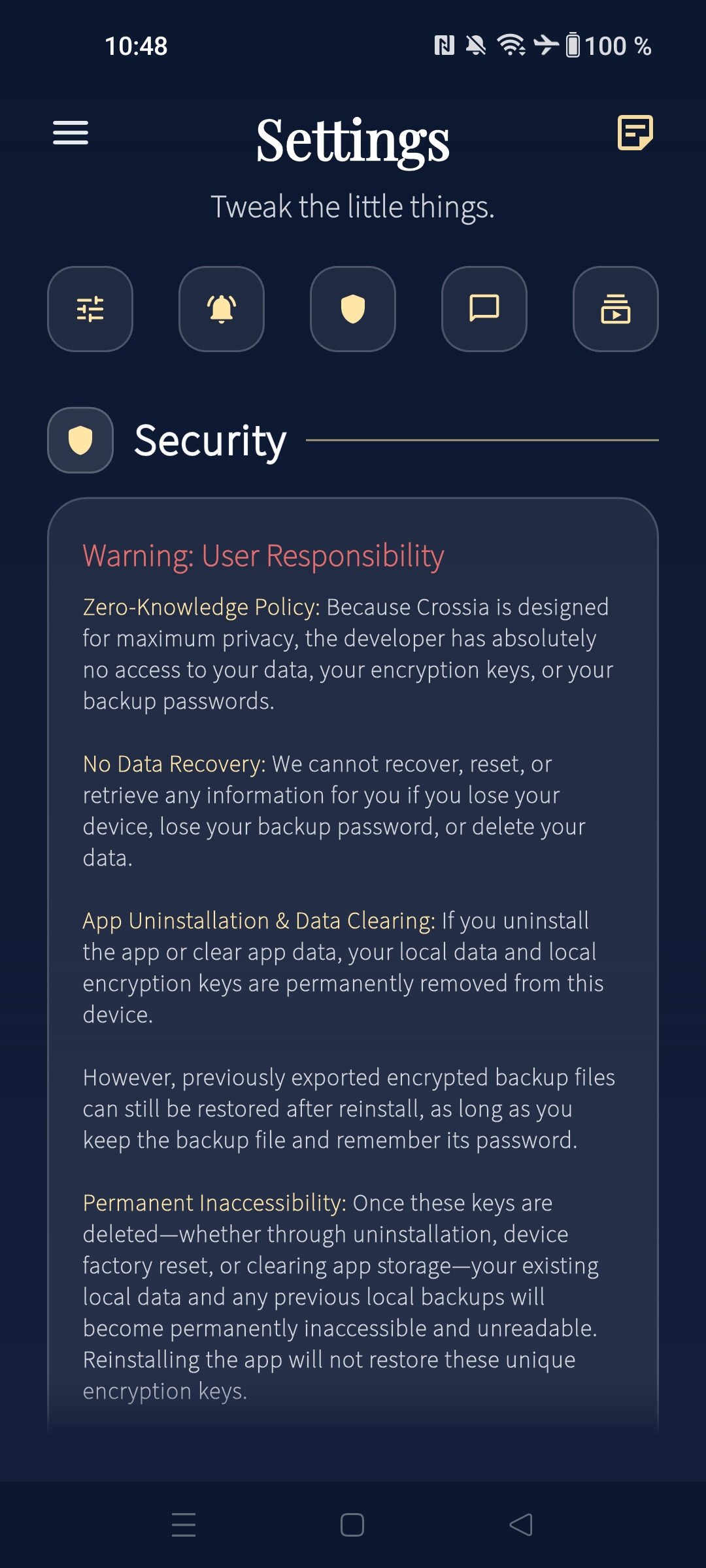
Security screen
Clear warnings and practical security controls — app lock, biometrics, encrypted backup.
FAQ
A few quick answers.
Is Crossia cloud-based? +
No. Crossia is local-first. No servers are required for your journal, prayer, or fasting tracking.
Can I lose my data? +
If you lose access to your device/keys, data can’t be recovered (by design). Use encrypted local backup to stay safe.
Will you add App Store / Google Play buttons? +
Yes — Crossia is already available on Google Play for Android. We are currently working on the iOS version, and it will be arriving on the Apple App Store very soon to help more people on their spiritual journey.
Do you have access to my notes or content? +
No. Crossia runs entirely on your device and uses no servers. Your thoughts, prayers, fasting logs, notes, and settings stay on your phone. Everything you do here — your prayers, fasting journey, and your thoughts — remains between you and God.
Are my notes and audio encrypted? +
Yes. Notes and recordings are encrypted on your device. The keys stay on your device and never leave it.
Do you sell or share my data? +
No. Your content never leaves your device, so there is nothing to sell or share.
What happens if I lose my device? +
If you lose access to your device or encryption keys, data cannot be recovered. Please use encrypted backups.
How do encrypted backups work? +
Backups are encrypted with a password you choose. Keep it safe — without it, the backup cannot be restored.
Why can reminders arrive late? +
Some devices restrict background work to save battery. Set Battery to Unrestricted for best reliability.
What do the moon and sun buttons do on the Prayer & Fasting Timer? +
They control the screen during prayer or fasting. Moon lets the screen sleep; Sun keeps it awake so the timer stays visible.
What is the Breathe page for? +
It guides slow, steady breathing with a calming visual and optional ambient sound to help you relax and refocus.
What are Prayer & Fasting Intentions? +
Use the Intentions card on Home to write your prayer or fasting reasons. On the Prayer & Fasting Timer, tap the heart to review them while you pray or fast.
Do I need internet to use Crossia? +
No. Crossia is fully offline and works without internet. You only need a connection if you choose to share a verse or update the app.
Does App Lock change encryption? +
No. App Lock only protects access to the app. Your notes are encrypted regardless.
— Psalms 46:10
We’d love your feedback
If you find any issues, have improvement ideas, or want new features, please reach out. Your messages help Crossia grow and stay trustworthy.